
Attendance Tracking Software Tools
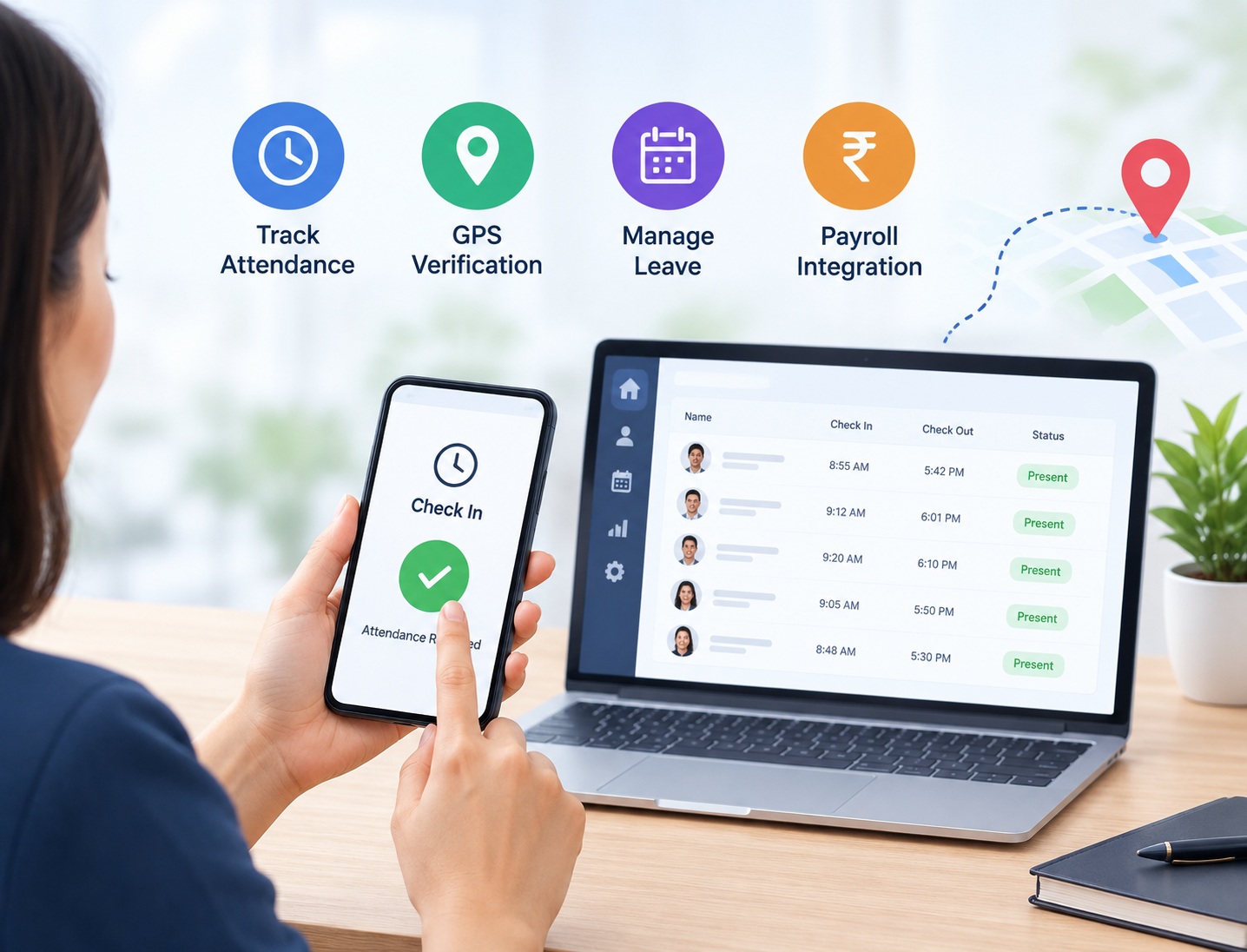
Controlling employee attendance can be difficult for a growing business. HR department have to keep a record of working hours, non-attendance, rotation planning and generate precise payroll records. Selecting the best Attendance Tracking Software Tools can help organizations reduce the paperwork work, save time and make HR’s job easier. Advances like GPS support, mobile check-in, payroll integration and much more make it helpful for field staffs, remote and office staffs.
Modern attendance software can be used by companies of all sizes. It assists supervisors in attendance tracking, late arrivals, employee record keeping, and boosting staff efficiency. Selection should be based on your needs, financial limit, number of staff, and human resource-related procedures.
What Is Attendance Tracking Software?
Attendance Tracking software can effectively keep track of the employee’s check-in and check-out time. Usually the employees mark the check-in and check-out through mobile, biometric, web or GPS-enabled platforms.
A number of tools feature leave management, shift scheduling, overtime calculation, timesheets and payroll integration. Rather than multiple spreadsheets, attendance details can be centrally accessed and updates can be made from one system.
Top 10 Best Attendance Tracking Software Tools
1. Teams Master – Manage Your Entire Team With Voice Commands
Best for integrated employee and business management
Teams Master is for businesses that wish to keep track of attendance as well as working it into day-to-day activity. Its HR management features are important to expanding businesses with (or aspiring to have) many staff.
Attendance monitoring, workforce tracking and integrated payroll workflows are options for companies looking to automate those processes. For example, GPS verification is advantageous when you have employees who need to be in multiple locations.
Who’s it for: SMBs looking for integrated HR and workforce management capabilities.
2. GreytHR
Best for HR and payroll management
GreytHR is an HR and payroll software platform that targets Indian businesses. It enables companies to record employee attendance, leaves, shifts, and payroll transactions.
Its HR functionality can cut down the time spent on monotonous chores and support keeping the employee files in order. You might want it if your payroll and attendance procedures are running on the same system.
Designed for: Indian companies in need of all-in-one HR and payroll software.
3. Keka HR
Best for contemporary HR management
Keka offers HR, attendance, leave and payroll management modules. Employee can see the data and managers have leave, attendance, and HR management.
HR teams can simplify work with employees’ information and cut the number of spreadsheets they have to keep for employee attendance.
Who it’s for: SMBs that need an all-in-one HR solution.
4. Zoho People
Best for flexible workforce management
People manages attendance, leave management, timesheets and employee records. Using automation, the software can handle employee requests and attendance at scale.
If your organization already utilizes other Zoho applications, you may also want to keep their workplace flow linked.
Good for: Organizations in need of adaptable HR features as part of a larger software suite.
5. FactoHR
Best for attendance and payroll coordination
FactoHR offers time and attendance, leave management, shift scheduling and payroll integrations. The mobile attendance and biometric integrations are optional based on the configuration.
They may assist HR in providing uniform attendance records and make regular human resource administration tasks easier.
Best for: Business who want their attendance and payroll process to be seamless.
6. Darwinbox
Ideal for managing enterprise staff
An end to end human capital management system of tools for organizations with more extensive HR needs. It takes care of all employee management and workforce processes including those related to attendance.
For bigger companies, it can be quickly determined in order to fit the needs of complex teams, several places, and also those that currently have a structured HR framework.
Ideal for: Medium and big sized enterprises with more sophisticated HR requirements.
7. BambooHR
Great for employee-centric HR administration
BambooHR allows you to record your employees’ information and perform HR operations. The service is capable of expanding to time tracking, depending on the plan, integrations, and country.
Your team should verify that the time-tracking features of the system align with any local payroll or compliance regulations before adopting it.
Best for: Employers looking for an employee-centric HR solution.
8. Connecteam
Best for deskless and field teams
Connecteam is aimed at managing deskless employees, providing workforce tools for time management, scheduling, and mobile workforce management.
Companies with field employees can use mobile attendance to track working hours more conveniently, without an employee being required to come to the office.
Ideal for: Field service teams, mobile employees, and businesses that operate on a shift basis.
9. Clockify
Best for time tracking and timesheets
Clockify is one of the most popular free tools for tracking work hours and managing timesheets. It allows teams to log time, monitor working hours, and produce reports for projects or in-house activity.
This may be a good option for a business looking for simple time tracking. However, businesses who need all HRMS functionality or an integrated Indian payroll will require a different software.
Best For: Freelancers, agencies, project teams, and businesses who need time tracking.
10. Jibble
Designed for basic attendance tracking
Jibble provides digital tools to monitor and track time and attendance, incorporating features such as facial recognition, GPS tracking and timesheets.
Its mobile approach could allow for the tracking of attendance across a company’s office, remote, and field workforce. Managers should evaluate the plans and device requirements before deploying.
Best for: Companies interested in digital attendance and time-tracking solutions that are easy to use.
Key Features to Look for in Attendance Tracking Software
Assess the capabilities of the tool in comparison to the needs of your daily business.
Realtime attendance: View the check-in, check-out, and working hours of your employees.
GPS check-in: Confirm field workers’ locations of attendance where applicable.
Leave management: Track leave application, approval, and balance.
Shift scheduling: Schedule shifts for employees and handle any adjustments.
Payroll flows: Map out access levels through a specific pathway.
Reporting and analytics: Detect attendance trends, time clock punches, and common late arrivals.
Mobile attendance: Enable staff to punch in and out and view their history.
Selecting the Right Attendance Tracking Tool
Begin with understanding the greatest attendance pain points in your organization. A modest office could get by with a basic sign-in process, but a field organization with a distributed workforce could benefit from GPS and mobile access.
Then review the pricing, user-friendliness, reporting capabilities, and integrations available. Confirm it can integrate with your current HR and payroll system. And look at data security, employee privacy, and permissions.
Finally, trial the software with a few trial users before you roll it out system-wide. A brief pilot will give you a sense of how your employees and managers will be able to use the software.
Read more: CRM & Sales Pipeline – CRM Built for Real People – TeamsMaster Ai
The Importance of Automated Payroll with GPS Tracking
Employers that have staff working at customer premises, construction sites or across multiple sites will require more than just simple attendance sheets. Tracking with GPS can confirm if an employee is clocking at the correct location with relevant permissions and privacy policies.
HR teams can save time by syncing time & attendance with payroll processes, reducing the time spent typing out working hours. This may also reduce errors in data entry and lead to an easier process in preparing payroll. GPS data does not automatically mean the right amount of pay, so it is important to check working hours, hours of overtime, leave, and payroll rules.Watch Now: TeamsMaster AI – Work connected – Grow Smarter