
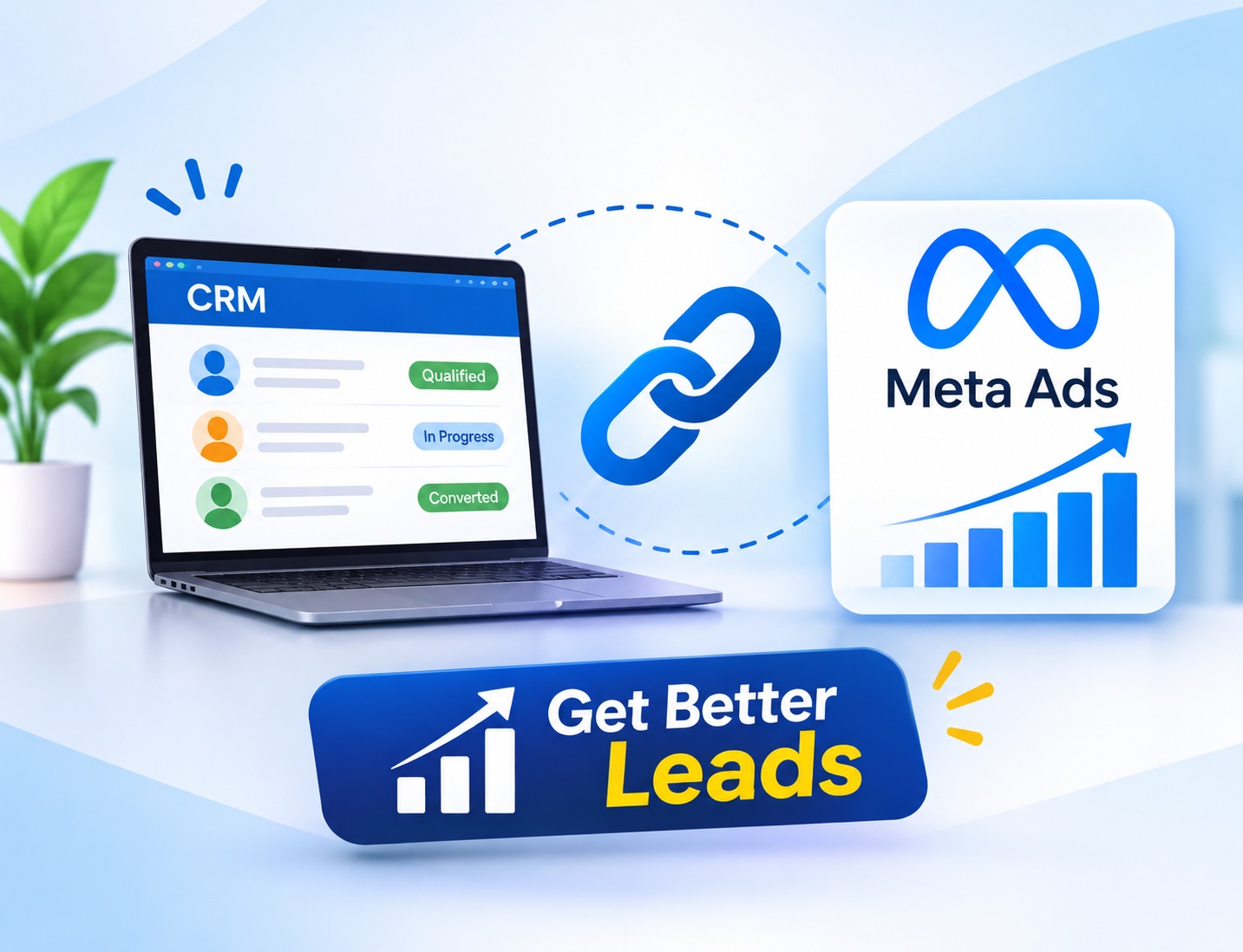
Why Connect CRM with Meta Conversion API?
A CRM captures all the important data of any prospect such as contacts, conversations, follow-up, sale actions and purchasing decisions. Meta cannot of course automatically keep track of what will happen to every lead who fills out an ad form.
For instance, someone can make an enquiry via Facebook but not have any further engagement with your sales team. Someone else can make an appointment, ask for a quote, or purchase.
If the only info they receive is about the form fills they will be interested in how to generate enquiries instead of people most likely to buy.
Connecting your CRM with Meta Conversions API can help to close this gap. You can share valuable information of the customer journey with Meta and optimise your campaigns.
How Does CRM Integration with Meta Conversion API Work?
And then this links up your ad campaigns with your CRM database and our advertising platform.
Here is the integration process:
Lead Generation: A prospective customer interacts with your Facebook or Instagram ad and completes a form asking for more information.
Your CRM immediately populates with the captured lead data.
Lead Qualification: The sales team is in touch with the prospect and changes its status depending on the level of interest and needs.
Conversion Tracking: If the lead is qualified, books an appointment, or makes a purchase, the CRM is notified of the activity.
Sharing Data: Supported conversion events are transmitted to Meta via the Conversions API.
Campaign Optimisation: Meta uses eligible conversion information to help optimise the delivery of your ad to higher quality leads.
This establishes a feedback loop that is bidirectional between marketing and sales.
How to Integrate CRM with Meta Conversion API
Proper integration and data mapping are needed to connect your CRM to Meta. The following are the key steps to follow.
1. Create Your Meta Business Account
Ensure your business has an active Meta Business Portfolio, Facebook Page, advertising account and the appropriate permissions.
You will also have Meta Events Manager available to set up and manage your data connection.
2. Sync Facebook and Instagram Lead Forms to Your CRM
Your CRM should automatically pull enquiries generated from Facebook and Instagram lead ad campaigns.
You can establish this connection through:
Supported CRM integration partners.
Meta Business Suite integrations.
Custom Integrations Webhooks and the Graph API.
Auto lead syncing eliminates manual data entry and provides sales the ability to engage with prospects faster.
3. Set Up Meta Conversions API
Open Meta Events Manager then work through the CRM integration setup process.
Select a supported integration partner, or, if CRM capabilities are available, build a custom connection.
Your technical team will need to correctly map the desired lead fields (detailing the ID, event name, timestamp and customer info).
4. Track Various Lead Stages
This is perhaps the most critical step.
Don’t just create new leads: Create new insights. Set up your CRM to monitor vital movement throughout the customer journey.
For example:
Lead Innovation – A new lead is generated. Lead Closed – The lead becomes inactive due to inactivity or after the lead has been converted into a customer.
Contacted – Your sales person makes contact with the prospect.
The lead fits all of your criteria.
The prospect makes an appointment.
Converted Customer – The lead chooses to buy your product or service.
These stages provide businesses with insight into which advertisements are actually providing real opportunities.
5. Send Conversion Events to Meta
Then, after the qualifying activity is created in the CRM, your integration can pass that activity to Meta as an event.
Make sure customer info is formatted properly and matching identifiers are used.
For instance, the original lead ID can be used by Meta Lead Ads to link the lead record to a CRM update.
Always adhere to Meta’s data-sharing policies and other relevant privacy rules.
6. Track And Optimise Your Campaigns
Once the integration is complete, review Events Manager for event delivery, matching, and integration problems.
You can also monitor campaign results in Meta Ads Manager
If you’re running eligible Instant Form campaigns, you can select Conversion Leads as your performance goal, which optimizes for high-quality leads over just a high form submission rate.
Advantages of Integrating Your CRM With Meta Conversion API
1. Increased Lead Quality
Meta gets the data as to which prospects get through your sales process. This is essential for the Meta advertising system to learn from meaningful customer actions.
2. Better Ad Optimization
Now you can turn insights into business results. Businesses will know which campaigns produce qualified leads, rather than having to rely on clicks and enquiries.
3. Enhanced Marketing and Sales Synchronization
Marketing teams can get insight into what happens after a lead is generated by a marketing ad, and sales teams can comment on the quality of leads.
4. Lowered Wasteful Advertising Expenses
Knowing the campaigns that bring you promising opportunities allows companies to make more data-driven budget choices.
5. End-To-End Customer Journey Visibility
Businesses can be more aware of what is happening with their customer engagement and sale cycle, from the initial enquiry through to final sale.
How Teams Master Helps Businesses Manage CRM and Lead Operations
Keeping track of leads on multiple channels can be time-consuming if there’s a disconnect between customer data, follow-up, and sales.
Teams Master integrates CRM and Business Operations to give your business the tools to better manage customer data, sales pipeline and follow-ups and enhance collaboration within teams.
By pairing the right AI CRM workflow with the Meta Conversions API integration, businesses can bridge their ad performance to closed sales.
Teams Master is an advanced workforce and customer management solution that enables businesses to become more connected, relieve staff from operational processes and get better visibility of their operations.
Conclusion
More leads don’t always equal more business. What counts is knowing which leads are truly interested, and which advertising produces the worthwhile prospects.
Benefits of Integrating Your AI CRM with Meta Conversion API To enable your business to share valuable lead outcomes, your CRM’s Meta conversion API can help you to better measure and optimize campaigns and make smarter advertising decisions.
With a combination of sales and marketing data, you’ll be able to create growth in a way that is manageable and not overwhelming.
Bring Your CRM. Gain productive conversions. Create smarter business leads with Teams Master! Watch Now: How to Get More Qualified Leads with Meta CAPI – TeamsMaster AI Pvt Ltd